If you’ve ever bought a hosting plan, you know the drill. You land on a page with five tiers, a dozen technical terms, and a giant “MOST POPULAR” badge nudging you toward the middle option. You pick something, cross your fingers, and move on to building your actual website.
Most small business owners never think about hosting again — until their site crawls to a stop during a sale, or goes down right when a customer is trying to reach them.
Here’s the thing: hosting is one of the few decisions in running a website that quietly affects everything else. Your site speed, your uptime, your SEO rankings, even how safe your customer data is — it all traces back to where your website actually lives. Let’s fix that with a plain-English guide to choosing the right plan.
What Web Hosting Actually Does?
Strip away the jargon and it’s simple: web hosting is renting space on a computer (a server) that’s always connected to the internet, so your website is available whenever someone types in your domain name.
A good host keeps that server fast, secure, and online. A bad one leaves you googling “why is my website down” during business hours.
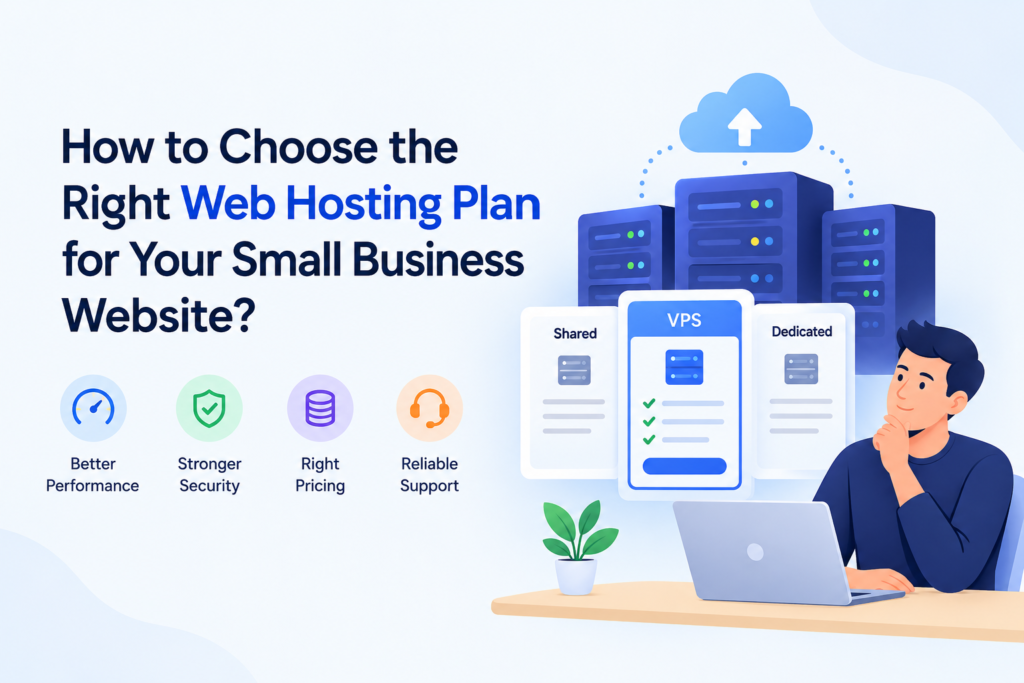
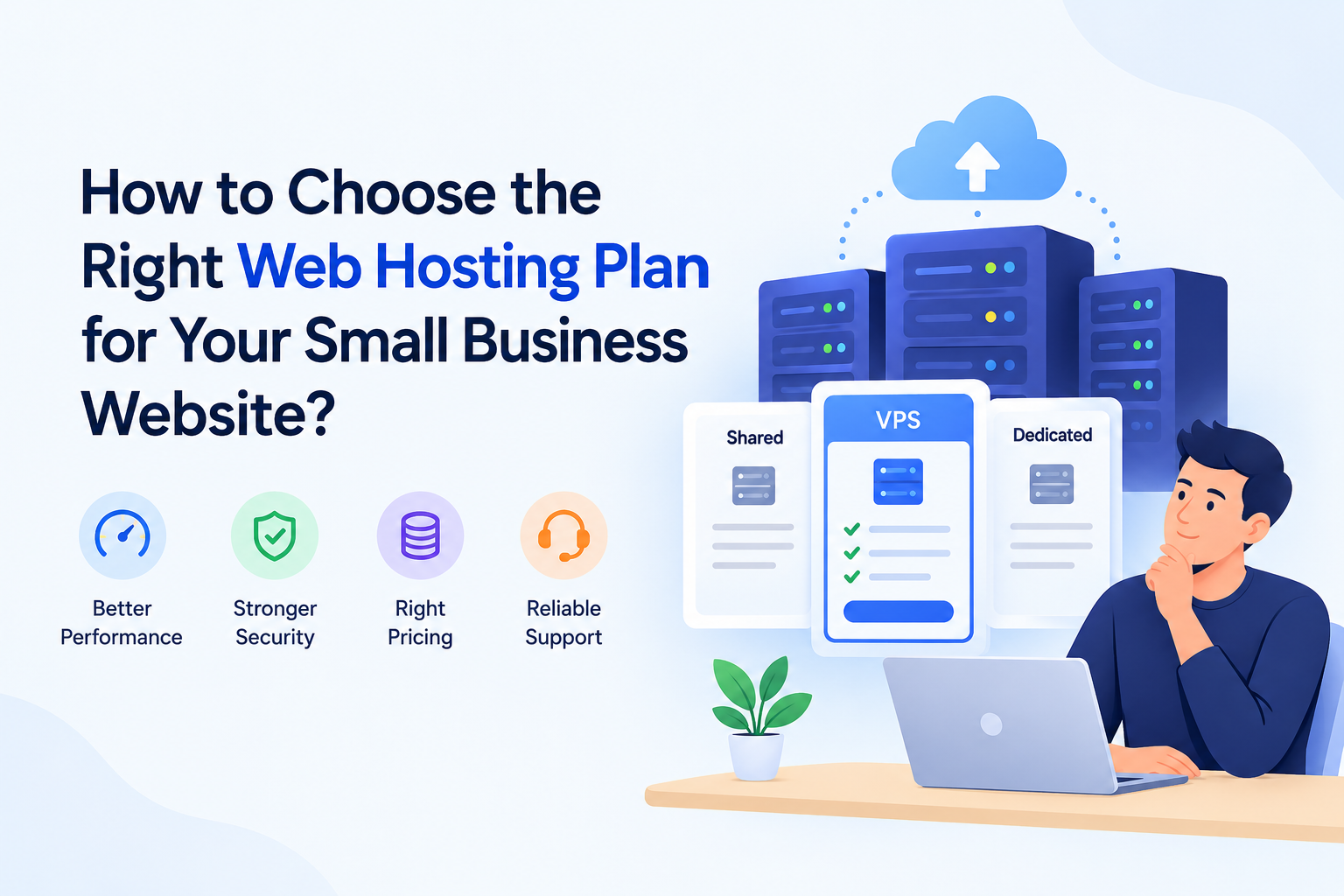
Shared vs VPS vs Cloud Hosting — Which One Do You Actually Need?
This is where most business owners overthink it or get oversold. Here’s the honest breakdown.
Shared Hosting Your website sits on a server alongside hundreds of others, sharing its resources. It’s the cheapest option, and for most small business websites — a portfolio site, a local service business, a small online store just starting out — it’s genuinely enough. Modern shared hosting has improved a lot; it’s not the slow, unreliable option it used to be a decade ago.
VPS (Virtual Private Server) Hosting You still share a physical server, but you get a dedicated slice of its resources, walled off from other users. This is worth considering once your site gets meaningful daily traffic, runs a busier online store, or needs more control over server settings.
Cloud Hosting Your site runs across a network of connected servers instead of just one, so if traffic spikes or one server has an issue, another picks up the load. It’s built for scale and reliability, and increasingly affordable — but it’s usually overkill for a business just starting to build its online presence.
Bottom line: unless you already know you need VPS or cloud (high traffic, custom server needs, heavy e-commerce), start with shared hosting. You can always upgrade later — most good hosts make that a one-click process.
What to Actually Look For in a Hosting Plan?
Skip the flashy marketing and check these instead:
- Speed and server response time. A slow host will quietly hurt your SEO and frustrate visitors before they even see your site. Look for hosts with fast NVMe storage and, ideally, a data center close to your customers (a Mumbai or Singapore data center matters if most of your traffic is from India).
- Uptime guarantee. Look for 99.9% or better. Anything less means real, noticeable downtime over a year.
- Storage and bandwidth. Most small business sites don’t need much — but check the plan isn’t so limited you’ll need to upgrade within months.
- Free SSL certificate. Non-negotiable in 2026. Without it, browsers flag your site as “not secure,” which kills trust instantly.
- Backups. Look for automatic daily or weekly backups. If your host only offers manual backups, that’s a red flag.
- Support quality. 24/7 live chat support matters more than people expect — especially the first time something breaks at 11 PM.
- Renewal pricing. This is the one people miss. Many hosts hook you with a low first-year price, then double or triple it at renewal. Always check the renewal rate before you buy, not just the introductory offer.
Red Flags to Watch For
- No clear data center location listed.
- No live chat or phone support, only ticket-based email.
- Vague or missing uptime guarantees.
- Reviews mentioning frequent unexplained downtime.
- Pricing pages that hide the renewal cost in fine print.
My Recommendation for Most Small Businesses
After weighing all of this against cost, for most small business websites just getting started, Hostinger hits the right balance — solid speed, an Indian (Mumbai) data center option, free SSL, easy WordPress setup, and shared hosting plans priced for businesses that don’t want to overspend before they’ve even launched.
If you want to check current plans, you can start here.
Tap to copy the code, then use it at checkout on Hostinger.
Quick Checklist Before You Buy
- ✅ Shared hosting is enough unless you already know you need more
- ✅ Check the data center location matches your audience
- ✅ Confirm free SSL is included
- ✅ Confirm automatic backups are included
- ✅ Check the renewal price, not just the first-year offer
- ✅ Look for 24/7 live chat support
Choosing hosting isn’t glamorous, but getting it right once saves you months of headaches later. Start with what your business actually needs today — you can always scale up as you grow.